
Custom Domain
Move your site from its free address to your own domain. Available on paid plans.
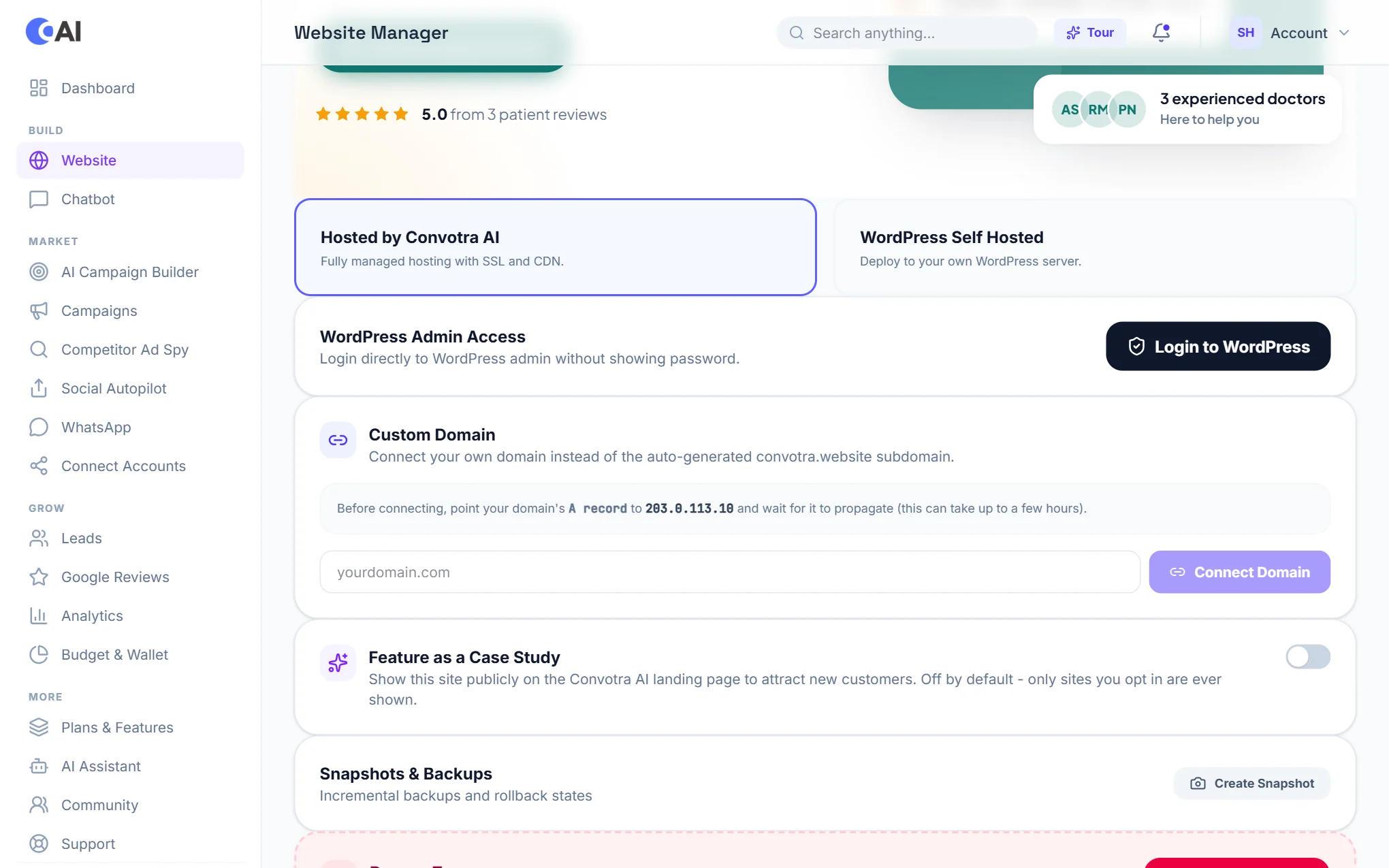
Every site starts on a free convotra.website address with SSL included. On a paid plan you can connect a domain you own at any time, from Website.
Steps
- Open Website and scroll to Custom Domain. It shows the server IP address to use.
- At the company where you bought the domain, add an A record pointing the domain to that IP address.
- Wait for the change to spread. This usually takes minutes, but can take a few hours.
- Back in Custom Domain, type your domain and connect it.
- Your site goes live on the new domain, and SSL is set up automatically.
Moving an existing WordPress site
If you already run a WordPress site somewhere else, moving it onto Convotra is included free with paid plans. Open a request from Support in your dashboard, or write to support@convotra.com.