
Connect Accounts
One click per platform. You approve access on the platform's own page, and we never see your password.
Open Connect Accounts. Platforms are grouped by what they are for. Choose Connectnext to one, sign in on that platform's own page, and approve the access it asks for. You are returned to Convotra with the account connected.
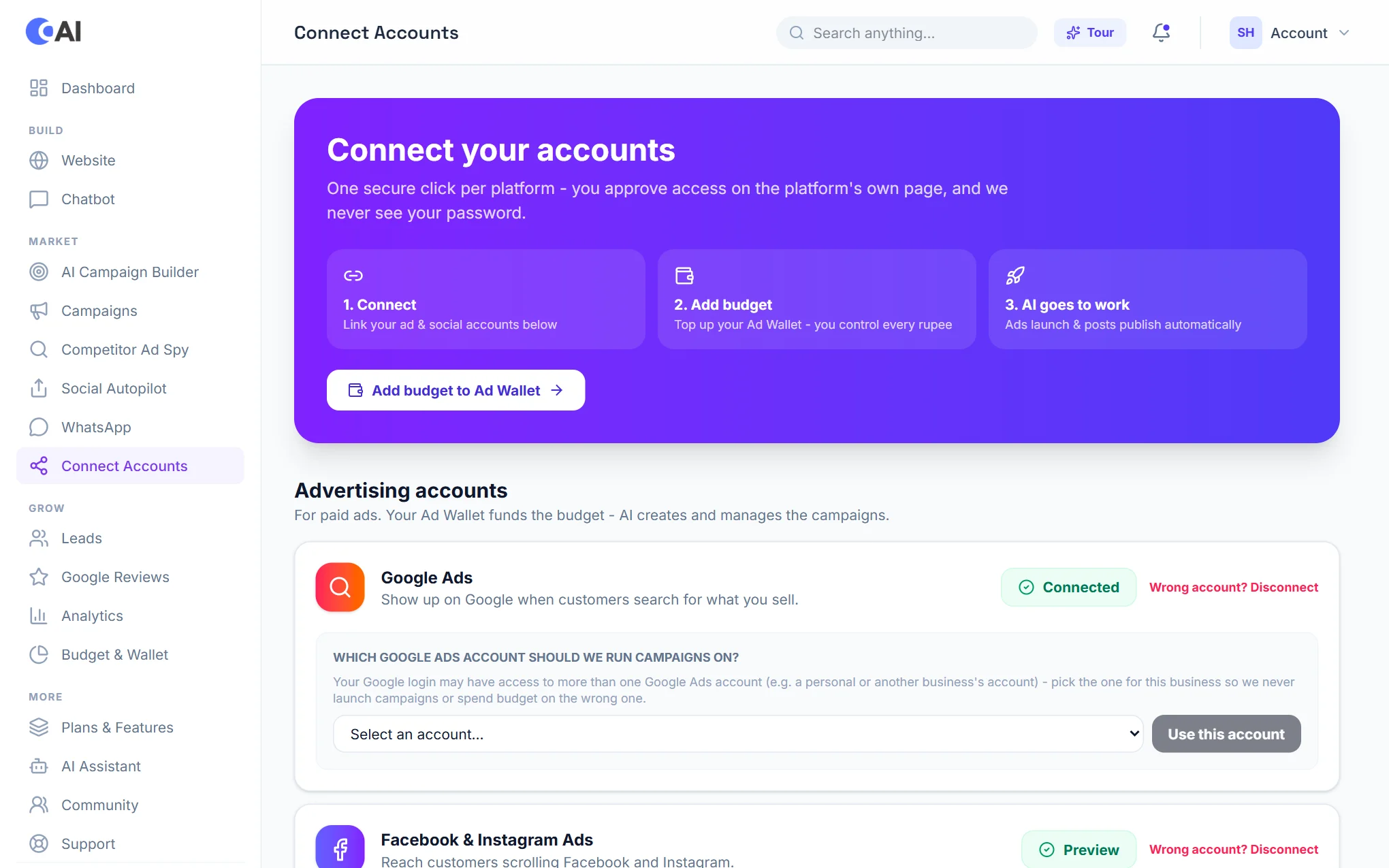
Advertising accounts
- Google Ads: show up when customers search for what you sell. After connecting, choose which Google Ads account campaigns should run on and choose Use this account.
- Facebook & Instagram Ads: choose the ad account and the Page to advertise from.
- Snapchat Ads and LinkedIn Ads: connect and choose the ad account.
Local SEO
Google Business Profile: keeps your listing in step with your business and lets you reply to reviews and post updates. See Google Reviews.
Social media accounts
Connect the pages and profiles you want to post to. Once connected, they appear as choices in Social Autopilot.