AI Chatbot & Leads
A chatbot that answers visitors day and night, and a single inbox for every enquiry.
Set up the chatbot
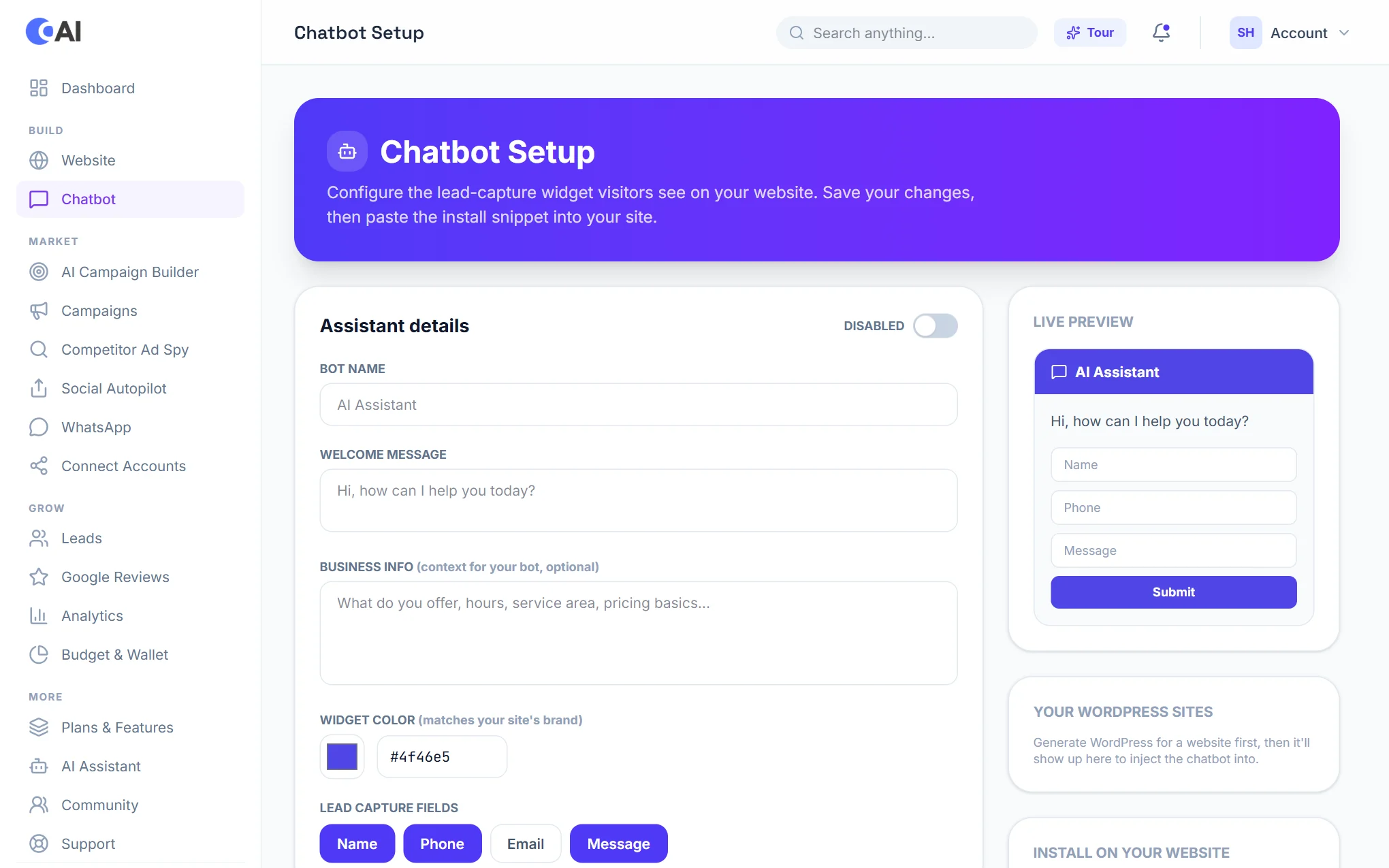
Open Chatbot. Everything is on one page, with a live preview on the right:
- Assistant details: give the bot a name and a welcome message, and switch it on.
- Business info: what you offer, your hours, service area and prices. Choose Learn from my website to fill this in from your site.
- FAQs: add the questions customers ask most, with your own answers.
- Lead capture fields: choose what to ask for (name, phone, email, message).
- Choose Save chatbot.
Put it on your website
For a site built with Convotra, pick it under Your WordPress sites and the chatbot is added for you. For any other website, copy the snippet under Install on your website and paste it into the site.
Where enquiries go
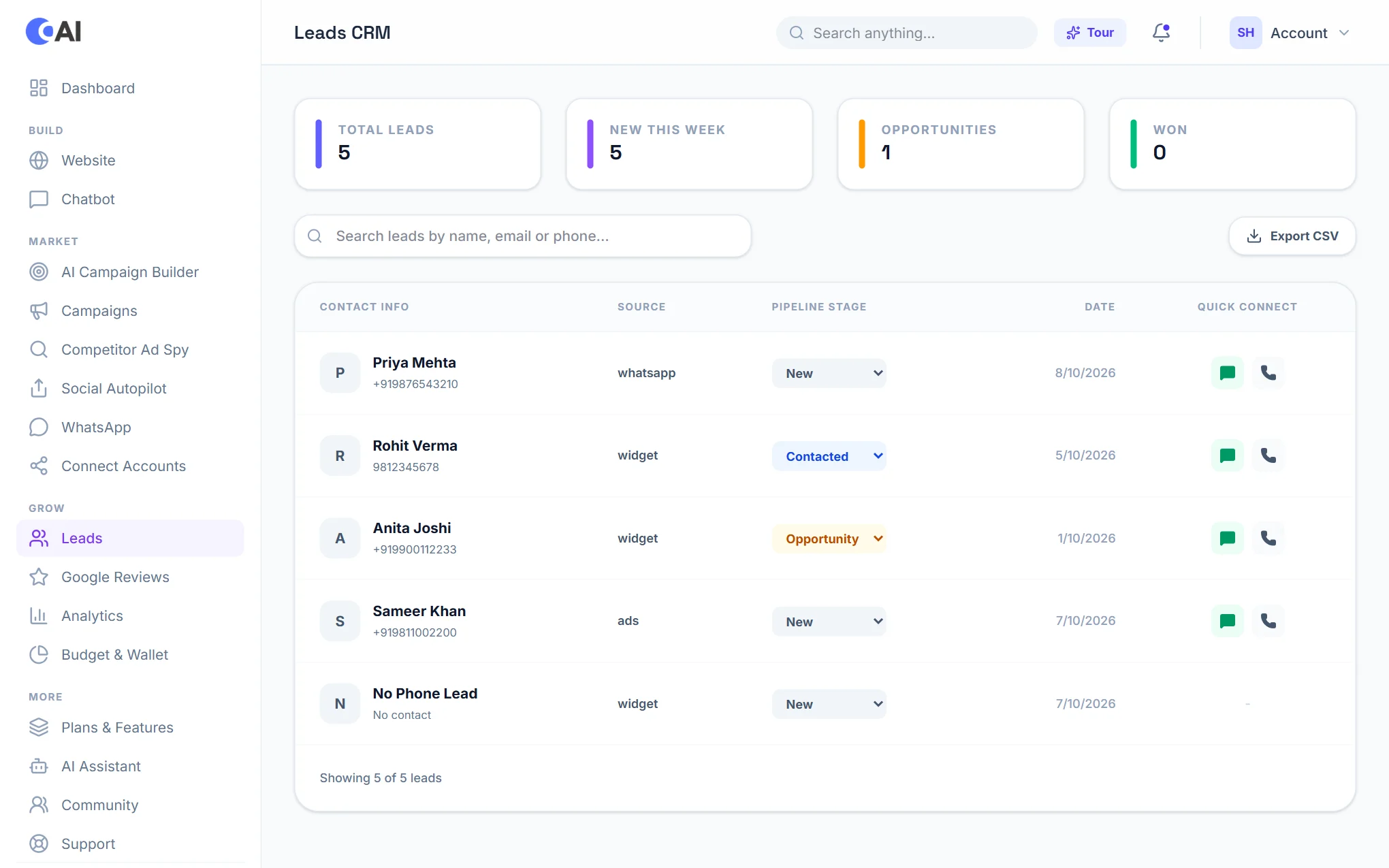
Every conversation in which a visitor leaves contact details becomes a lead. Open Leads to see them all in one list, together with enquiries from your website forms, WhatsApp and ads. For each lead you can see where it came from, move it through your pipeline (New, Contacted, Follow-up, Opportunity, Won, Lost), and call or message the person directly. Export CSV downloads the list. To follow every lead up to a sale, with follow-up dates, notes and a sales team, see the Leads CRM.