Budget, Wallet & Analytics
Where your ad money sits, where it goes each day, and what it brings back.
The Ad Wallet
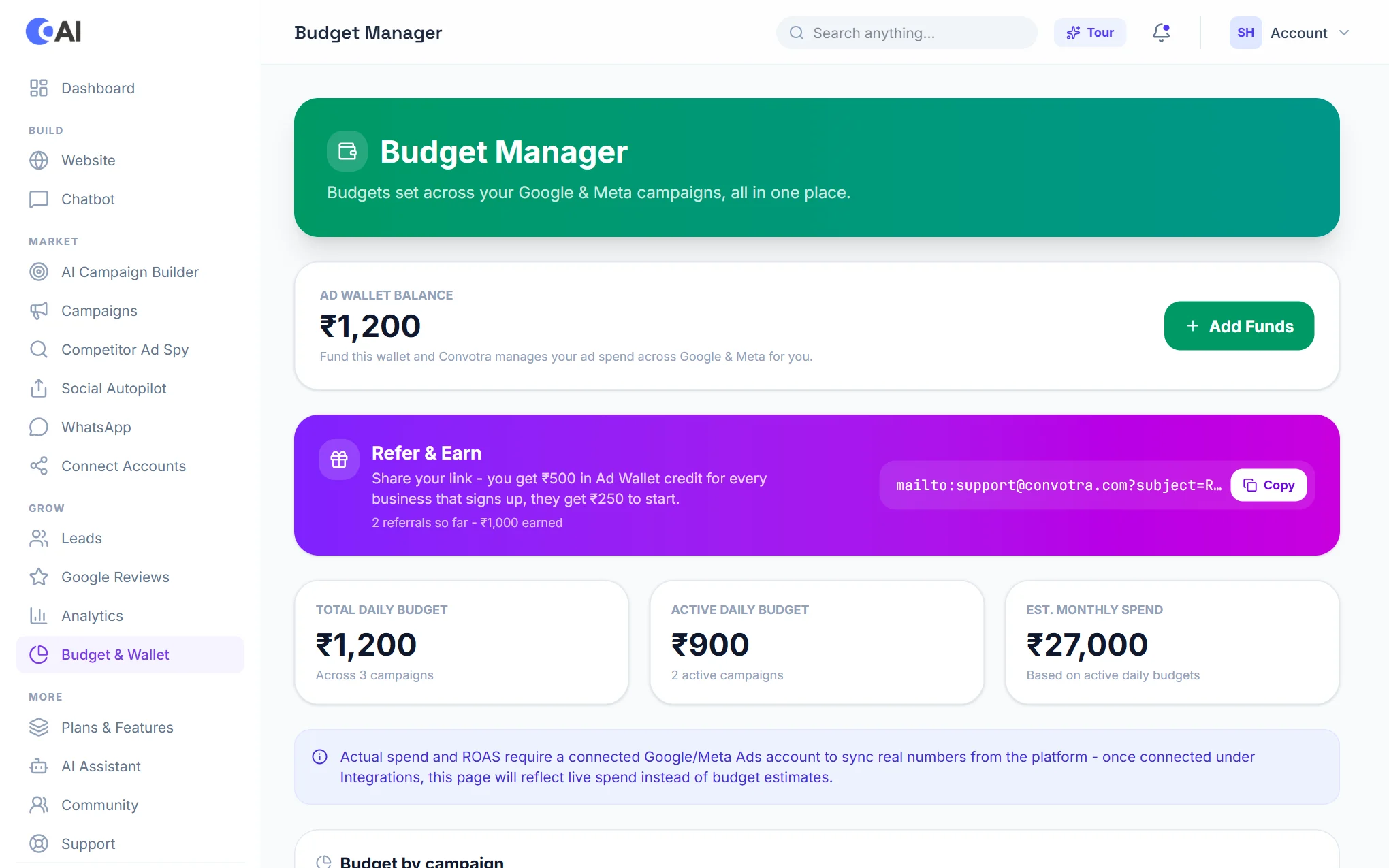
Open Budget & Wallet. The top shows your Ad Wallet balance: the money Convotra uses to run your ads on Google and on Facebook & Instagram.
- Choose Add Funds.
- Enter the amount (from ₹100, in steps of ₹100) and choose Pay with Razorpay.
- Pay by UPI, card or net banking in the Razorpay window. The balance updates when the payment is confirmed.
Refer & Earn
Copy your referral link from the same page and share it. When a business signs up with it, you get Ad Wallet credit and they get credit to start; the amounts are shown on the page, with how many referrals you have made and what you have earned.
Daily budgets
Below the wallet: your total daily budget across all campaigns, the active daily budget (only campaigns that are running) and the estimated monthly spend from the active budgets. Budget by campaign lists each campaign with its platform, status, daily budget and share of the total. Change a campaign's budget or pause it from Campaigns.
AI Budget Optimizer (top plans)
Once a day the optimizer compares your running campaigns and moves daily budget from the ones giving poor value to the ones giving good value.
- Your total daily budget never goes up. Money only moves between your own campaigns.
- Each change is small and limited, and a campaign needs enough clicks before it is judged. The exact limits are shown on the panel.
- Choose Check what it would do for a preview: nothing is changed until you switch it on.
- Every change is listed with its reason. Switch it off at any time.
Competitor Ad Spy
- Open Competitor Ad Spy and type a competitor's website (for example competitorbrand.com).
- You see the ads they are running now.
- Choose Clone Ad on one you like, add your brand or offer if you want, and the AI writes your own version: headline, main text and description. It is your wording, not a copy of theirs.
- Choose Use in Campaign Builder to start a campaign from it.
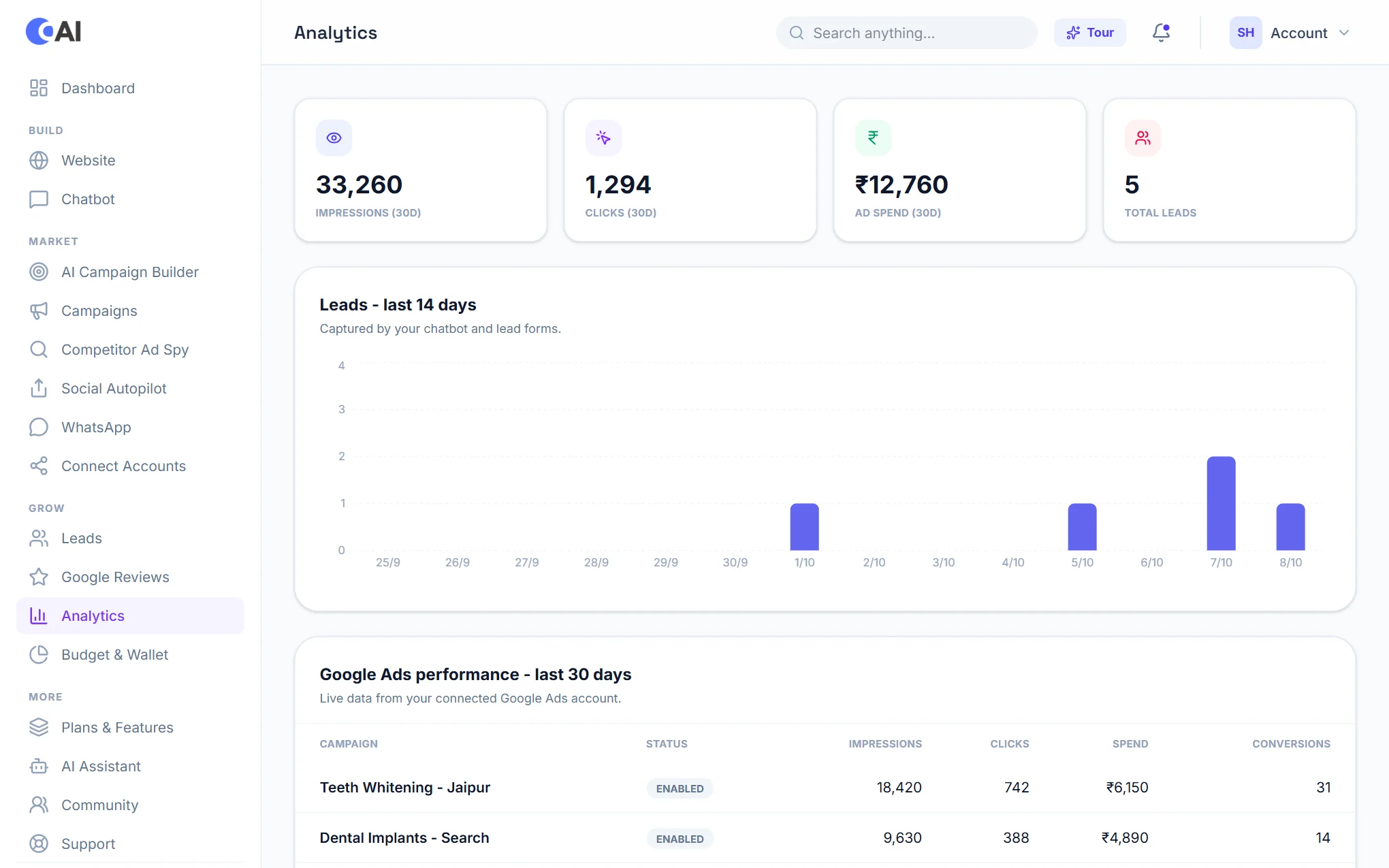
Analytics
- The top numbers: impressions, clicks, ad spend and total leads.
- Leads, last 14 days: enquiries from your chatbot and website forms, day by day.
- Google Ads, last 30 days: live results for each campaign from your connected account.
- Advanced lead tracking (top plans): where every lead sits in your pipeline and your lead-to-won rate.